01
Finish your focus
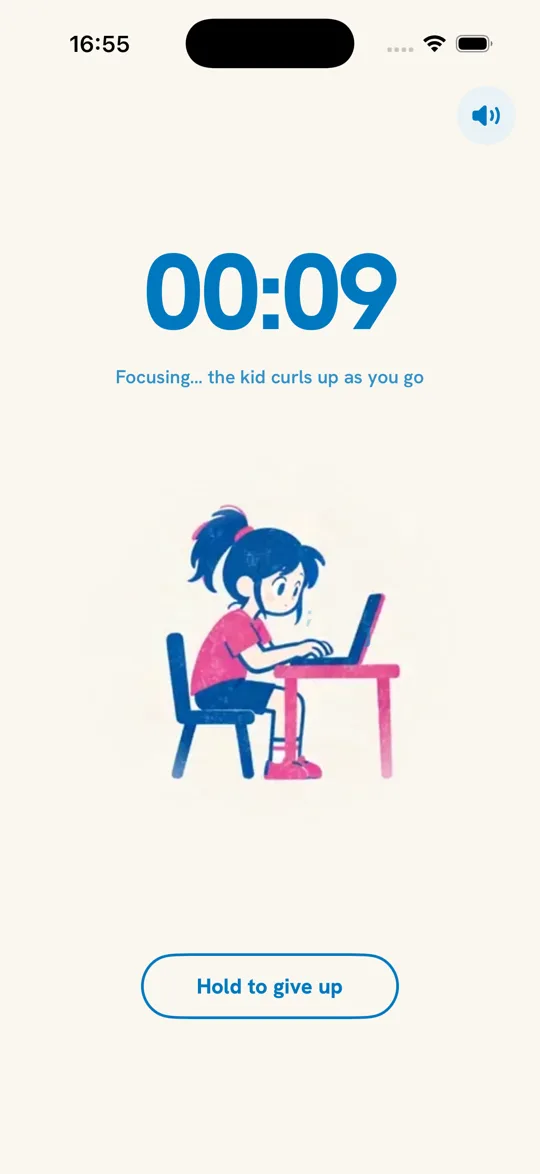
Choose a focus length and start the timer. The default is 25 minutes. When it ends, the next pomodoro waits for your squat break.
 Shrimpodoro
Download on the App Store
Shrimpodoro
Download on the App Store
A guide for the time between tasks
Finish one task. Put the scrolling aside. Make a little room to move before the next round.
Shrimpodoro pairs your iPhone focus timer with a set of squats. Here is what happens before, during and after that break.
See the three steps
Set the work aside and choose a break you can actually take. In Shrimpodoro, that means 5, 10 or 20 squats counted on your iPhone, followed by your chosen rest time. You can skip the squats when they do not fit your situation.
The app pauses your next pomodoro. It does not block other apps on your phone.
The actual app, step by step
Choose a focus length and start the timer. The default is 25 minutes. When it ends, the next pomodoro waits for your squat break.
Choose 5, 10 or 20 squats in Settings. The default is 10. Give yourself space to move, then let the front camera count your reps.
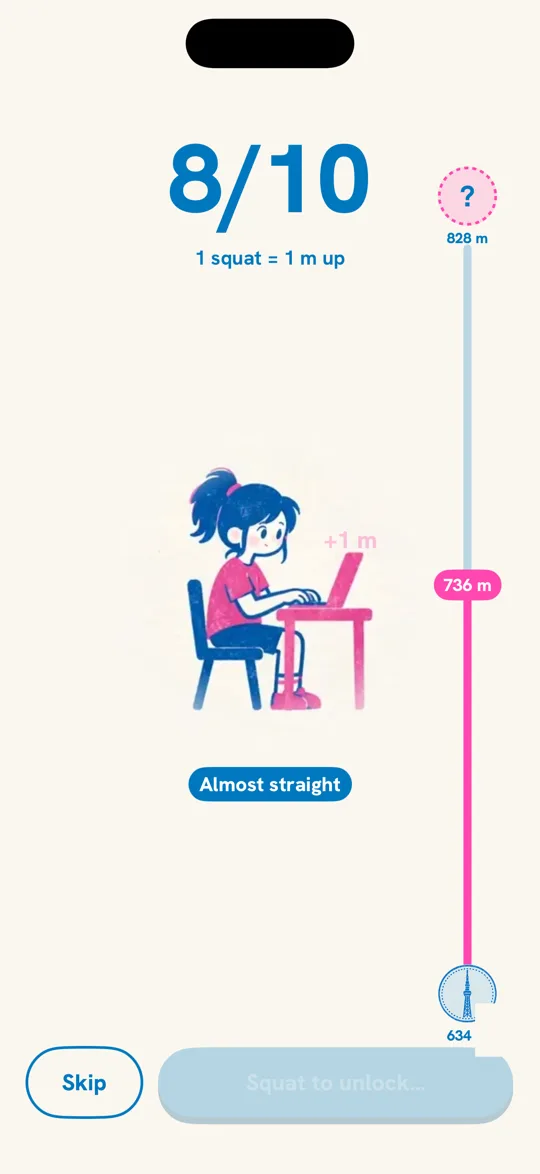
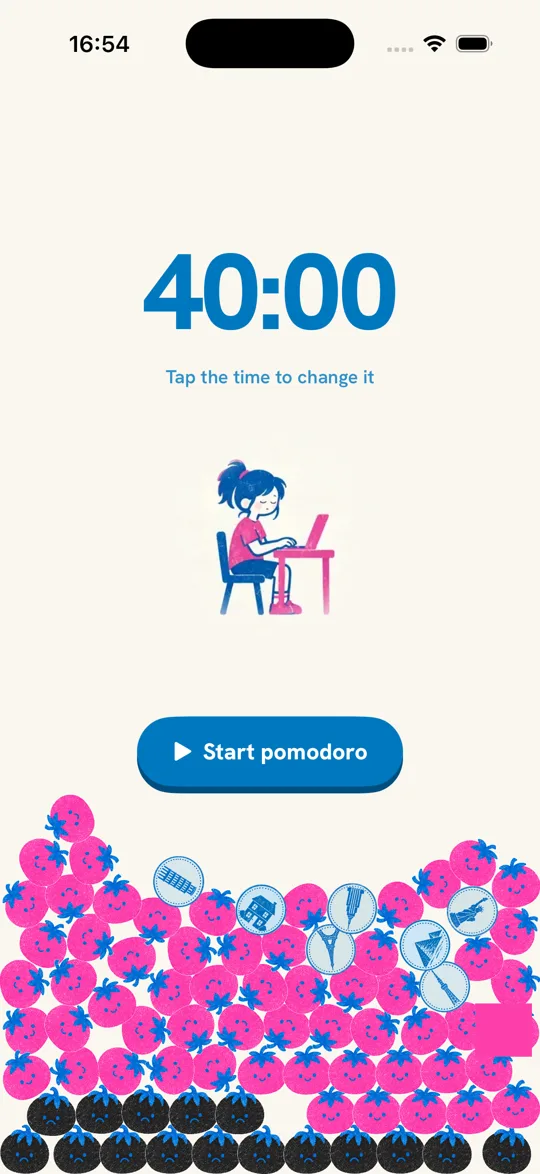
A completed round earns a pink tomato. After your squats, the rest timer runs for your chosen length. Start the next pomodoro when you are ready.
Before the next round
There is no single break length prescribed by Shrimpodoro. The rest timer after squats defaults to 5 minutes. You can choose 0, 5, 10 or 15 minutes in Settings, or start the next session during rest.
You can choose another kind of break, but the app counts squats. Use Skip to unlock the next pomodoro without completing them. The round is recorded as a black tomato.
No. Shrimpodoro uses on-device body-pose detection to count squats. Camera video is not recorded or uploaded.
The squat break is the central part of Shrimpodoro. If you prefer a different focus experience, our pomodoro app comparison explains what other apps offer.
For your next workday
Meet the timer, the tomato pile and the little kid who keeps you company.
Meet Shrimpodoro
Written with AI assistance from Shrimpodoro's product guide and current iPhone app behavior. Screens come from the existing website's app captures. Product and launch information: Shrimpodoro home. Questions: Support.